

Config
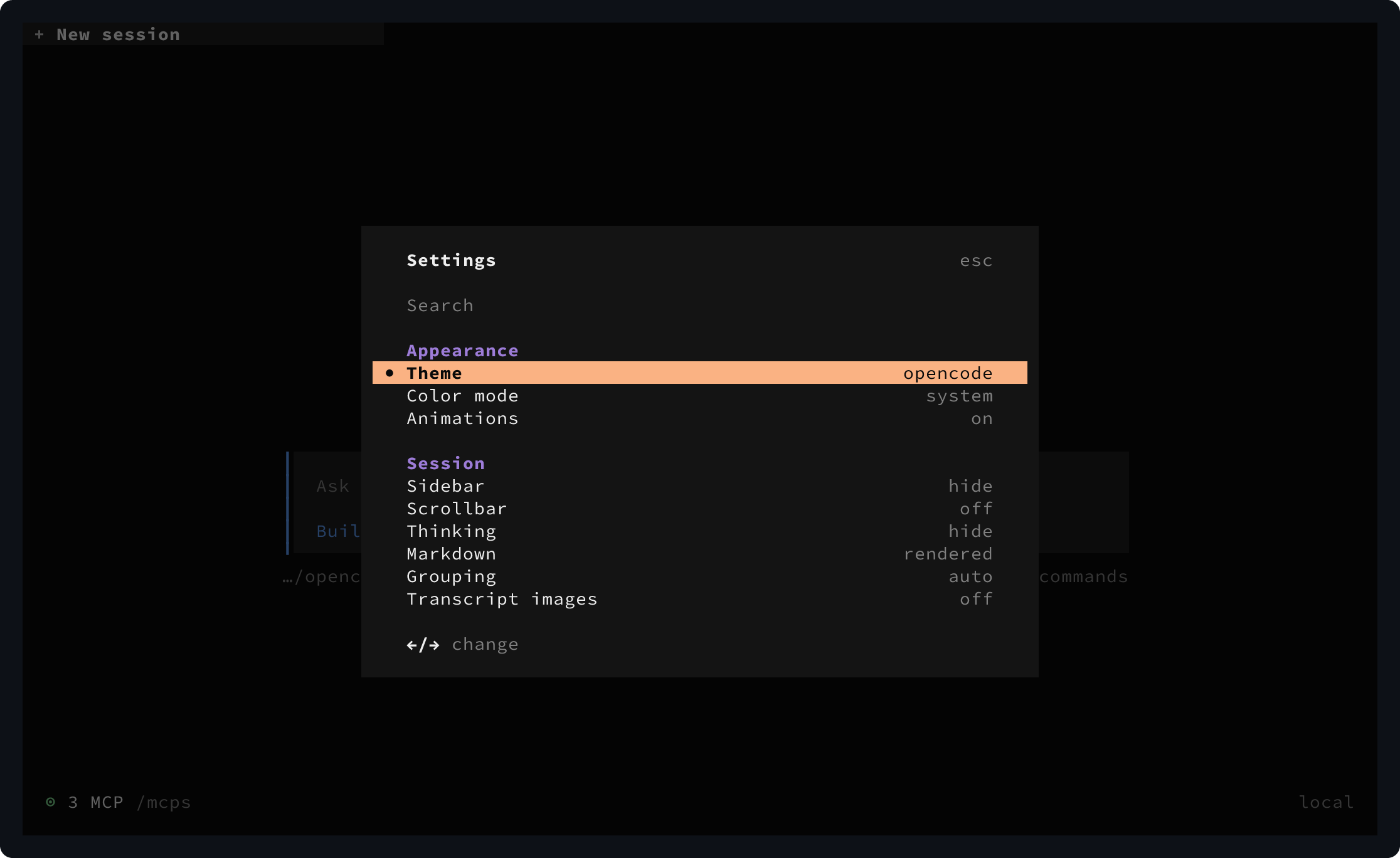
Most settings can also be changed from the OpenCode TUI. Press Ctrl+P, then select Open settings.
The default CLI config location is:
~/.config/opencode/cli.jsonSet $XDG_CONFIG_HOME to use a different config directory:
$XDG_CONFIG_HOME/opencode/cli.jsonTheme
Set the theme and color mode:
{
  "theme": {
    "name": "tokyonight",
    "mode": "system"
  }
}| Field | Values | Description |
|---|---|---|
name |
string | Selects the theme. |
mode |
system, dark, or light |
Selects the color mode. system follows the terminal appearance. |
See Theme for theme configuration.
Keybinds
Override bindings with the top-level keybinds object:
{
  "keybinds": {
    "leader": "ctrl+x",
    "app.exit": "ctrl+c,ctrl+d,<leader>q",
    "app.debug": "none",
    "help.show": false
  },
  "leader": {
    "timeout": 2000
  }
}
See Keybinds for every available binding.
Plugins
Load terminal plugins in order:
{
  "plugins": [
    "-opencode.notifications",
    {
      "package": "./plugins/status.ts",
      "options": {
        "compact": true
      }
    }
  ]
}
See Plugins for packages, local files, options, and enablement directives.
Scroll
Set scroll speed and acceleration:
{
  "scroll": {
    "speed": 2,
    "acceleration": true
  }
}| Field | Values | Description |
|---|---|---|
speed |
number, at least 0.001 |
Sets the distance per input tick. |
acceleration |
boolean | Speeds up repeated scrolling. |
Attention
Configure notifications and sounds:
{
  "attention": {
    "enabled": true,
    "notifications": true,
    "sound": true,
    "volume": 0.4,
    "sound_pack": "opencode.default",
    "sounds": {
      "permission": "/home/me/sounds/permission.wav"
    }
  }
}| Field | Values | Description |
|---|---|---|
enabled |
boolean | Enables attention alerts. |
notifications |
boolean | Shows system notifications. |
sound |
boolean | Plays attention sounds. |
volume |
number from 0 to 1 |
Sets sound volume. |
sound_pack |
string | Selects the active sound pack. |
sounds |
object | Overrides files for default, question, permission, error, done, or subagent_done events. |
Diffs
Configure diff presentation:
{
  "diffs": {
    "wrap": "word",
    "tree": true,
    "single": false,
    "view": "auto"
  }
}| Field | Values | Description |
|---|---|---|
wrap |
word or none |
Sets line wrapping. |
tree |
boolean | Shows the diff file tree. |
single |
boolean | Shows only the selected file patch. |
view |
auto, split, or unified |
Sets the layout. auto chooses based on the available width. |
Terminal
Configure terminal integration:
{
  "terminal": {
    "title": true,
    "copy": "select"
  }
}| Field | Values | Description |
|---|---|---|
title |
boolean | Updates the terminal window title. |
copy |
manual or select |
Sets manual copy or copy on selection. Defaults to select on macOS and Linux, and manual on Windows. |