Go Teams: Flat-rate model subscriptions for your workspace
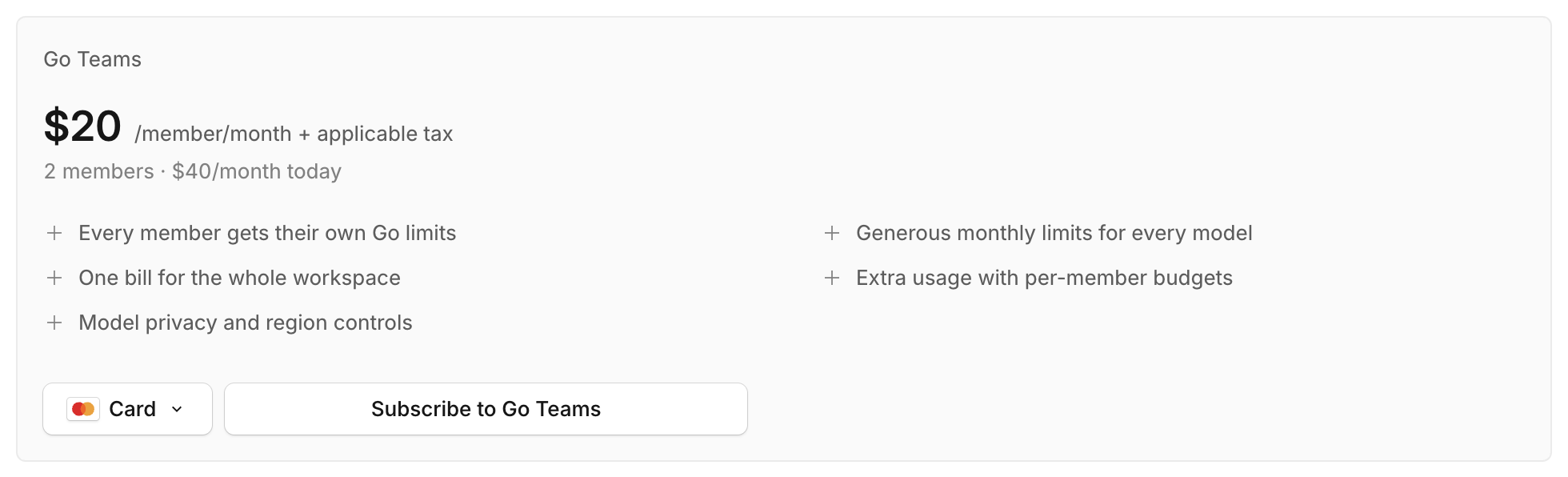
Give every developer in your workspace flat-rate access to top coding models for $20 per member per month, with dedicated usage limits for each person and one company bill.
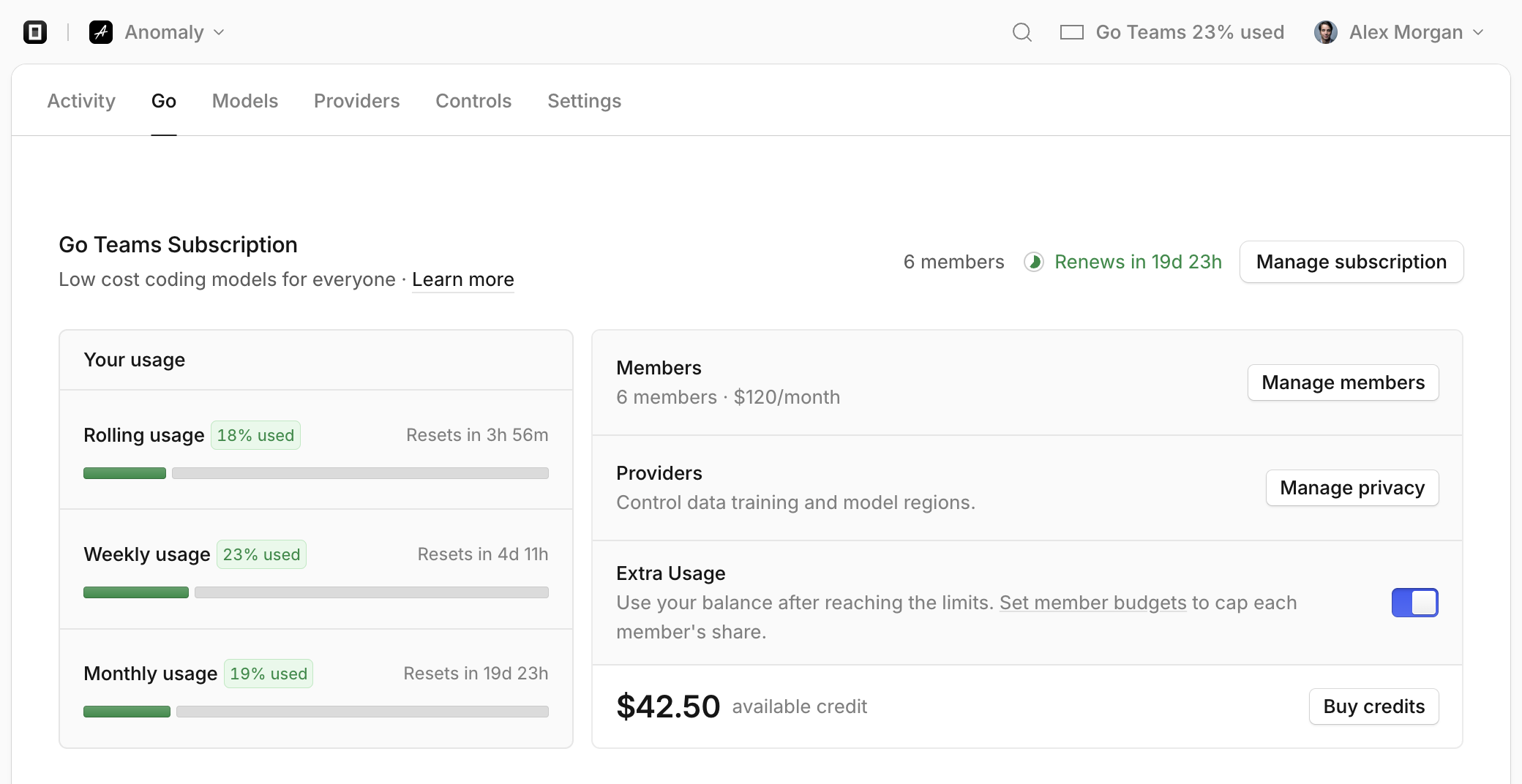
OpenCode Go is now available as a team subscription. For $20 per member per month, every developer in your workspace gets flat-rate access to our curated catalog of fast coding models, including Kimi K3.1 Pro, DeepSeek V4.1 Flash, Qwen3.8 Max, GLM-5.3, MiniMax M3, Claude Haiku 5.5, and GPT 6 Luna, all on a single company bill.
Until now, Go subscriptions were limited to single-member personal workspaces. With Go Teams, your whole team can use Go models in OpenCode alongside your existing workspace providers, policies, and budgets.
Built for how teams work
- Generous limits on the best open-weight models. Give your team reliable, low-latency access to the most popular open coding models without paying per token.
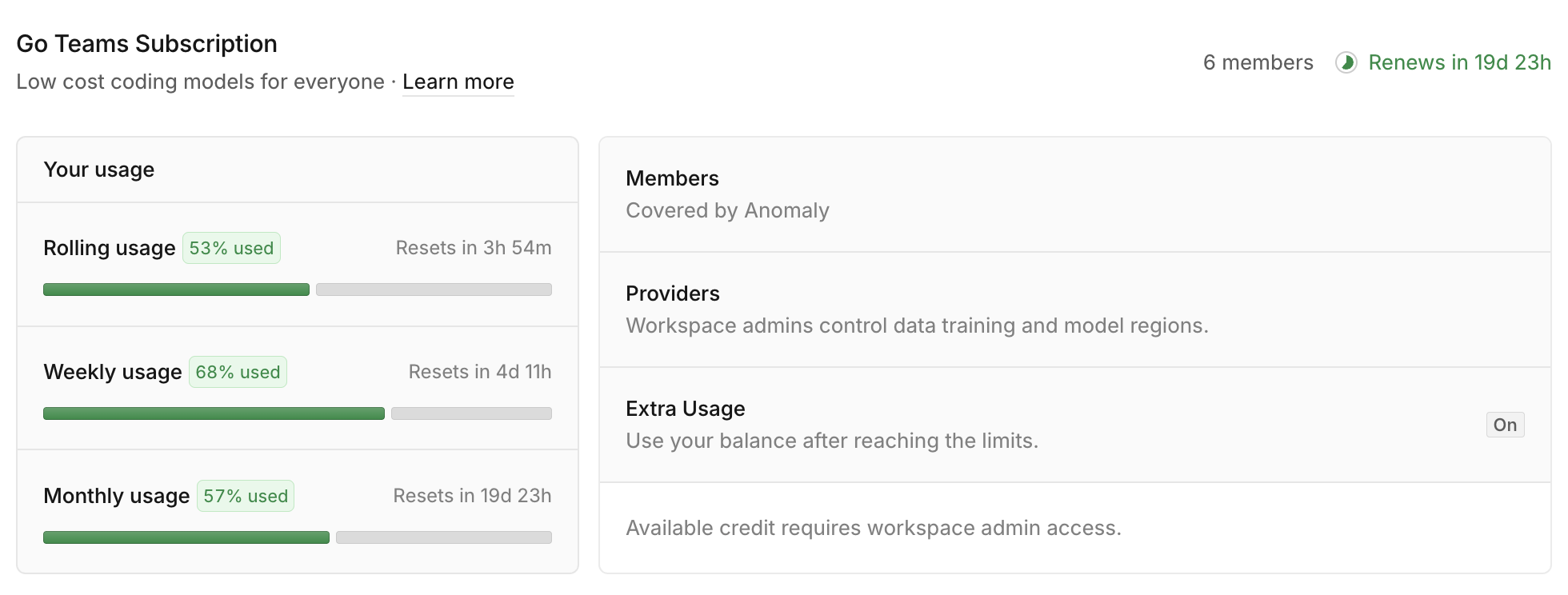
- Dedicated limits for every developer. Each member gets their own rolling 5-hour, weekly, and monthly usage allowances rather than drawing from a shared team pool.
- Zero seat management. There are no seat counts to pre-buy or manually assign. Every member in your workspace is automatically covered, and teammates never need a personal credit card.
- Uninterrupted coding with Extra Usage and budgets. Extra Usage is enabled by default so developers never hit a wall mid-task. If someone reaches a window limit, requests seamlessly fall back to your workspace credit balance, and you can cap each member's credit spend in Controls.
- Central privacy and region controls. Workspace owners and admins manage model regions and data-training policies in one place for everyone.
Get started in seconds
Open the Go tab in your workspace and click Subscribe to Go Teams. If your workspace already has a saved payment method, you can confirm and subscribe in one click right on the page.
Already on Go or Go Plus in your personal workspace? Click Manage subscription → Upgrade to Go Teams (or invite a teammate from Settings → Members). Your unused allowance from the current month is automatically credited toward Go Teams, and your team plan starts immediately.
Scales automatically with your team
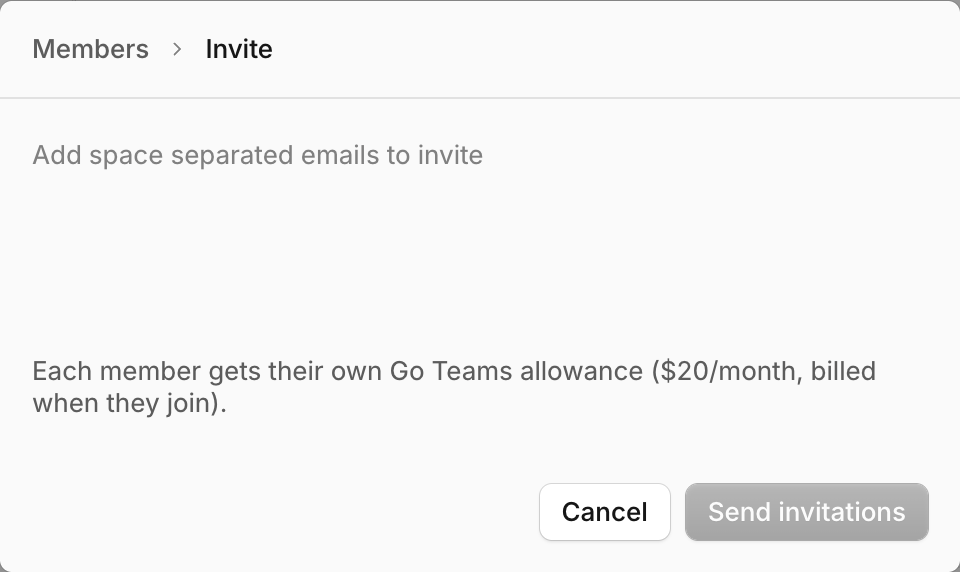
Invite teammates from Settings → Members, or provision them automatically with SSO or SCIM directory sync. Each new member gets a full month's Go allowance as soon as they join ($20), and removing a member automatically lowers your next monthly renewal.